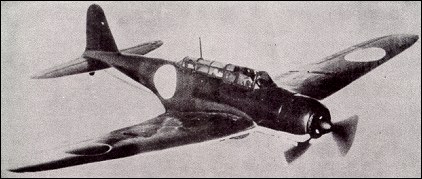
Today I used some of the blueprints I found during researching yesterday. As the the different views were on the same image, I cut and cropped the different views in photoshop. I saved each individual view in a folder.
 I then opened a new folder in 3dsMax. I am going to import each view into the software and use these as a base of my model, and then I will use poly modelling to begin making the plane.
 When I had a new 3DS document open, I first created a new plane, I ensured that the dimensions of the blueprints (visable in windows explorer) matched the dimensions of the plane. This was done by changing the length and width of the plane in the object perameters.
  When I was happy with the dimensions, I opened the material editor, I selected the diffuse box then selected bitmap, this opened a window that allowed me to browse the files on my PC. I selected the first blueprint and dropped the material onto the plane to apply the material, I then selected the 'show map in viewpoint' so I am now able to see the blueprint on the plane.
To save confusion, I gave each plane a sensible name, corresponding to which blueprint was on the plane.
I had a slight issue with the front view of the aircraft. when I applied the material to the plane, the material was the wrong way round, so I went into the modify tab and added a UVW map and used the gizmo to rotate and re-size the blueprint until it was in the correct position.